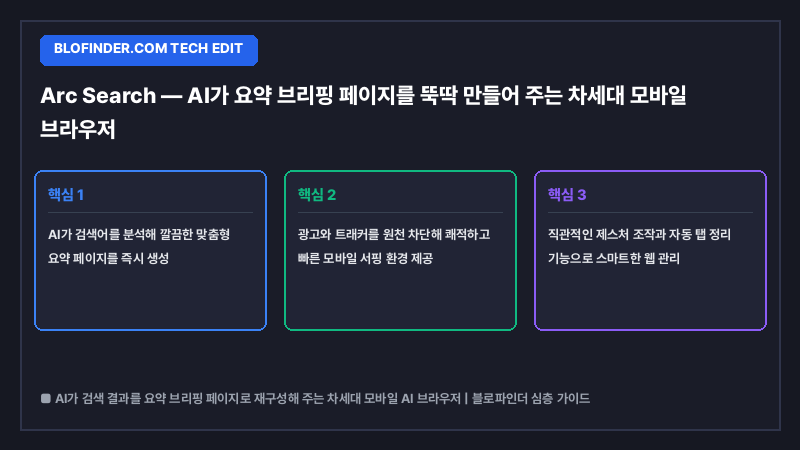
- ‘The ’Browse for Me' feature creates a summary page tailored to your search terms.
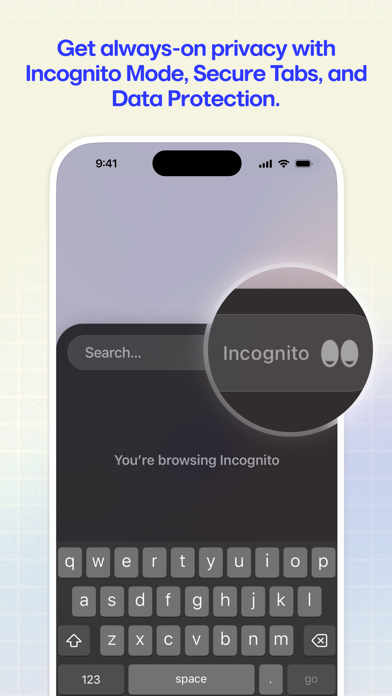
- Inform the store that it always blocks ads, trackers, GDPR pop-ups, and banners.
- Neat tab management with automatic archiving of inactive tabs and reading mode
| division | Detailed information |
|---|---|
| platform | iOS 16.0 or higher (iPhone/iPad), Android (check required version on the Google Play page). This is a mobile app; there is no desktop version. |
| price | free |
| Korean language support | The language displayed on the App Store is English, and the level of Korean support has not been officially confirmed. |
| Developer | The Browser Company |
| Download | App Store / Google Play |
Problems this app solves and key features
Arc Search is a mobile browser created by The Browser Company that features ad- and distraction-free browsing and ‘Browse for Me’ summaries.
According to the store description, it always blocks ads, trackers, GDPR pop-ups, and banners, and automatically saves unused tabs.
Tour of Key Features on the Actual Screen
1. ‘Browse for Me’ AI Summary Briefing
If you enter a question into the search bar, ‘Browse for Me' generates a summary page based on the search results. You can check the main points without reading long texts one by one.
- After entering the question, tap the ‘Browse for Me’ button at the bottom to activate it.
- Create a summary page tailored to search terms (result structure varies depending on the question)
2. Ad Blocking and Automatic Tab Storage
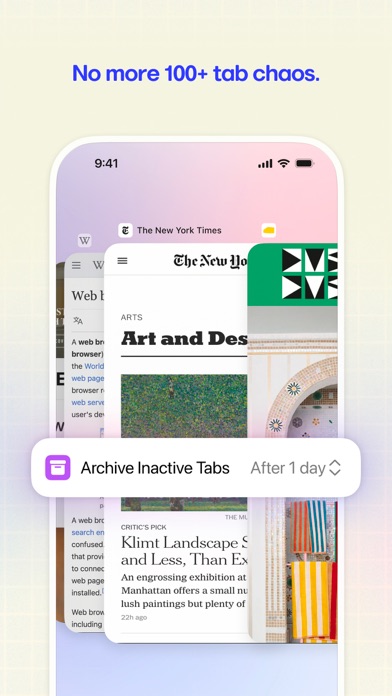
It provides excellent readability by proactively blocking annoying ads and pop-ups, which are a chronic problem in mobile browsers. Additionally, it automatically cleans up unnecessary tabs after a certain period of time, helping the browser maintain a lightweight state.
- Supports periodic automatic archiving to prevent idle tabs from accumulating.
Practical Application Scenarios & Comparison of Pros and Cons
Arc Search is ideal for professionals and students who frequently conduct informational research, as well as users who desire a clean, ad-free mobile reading environment. It is particularly powerful when you need to quickly skim through vast amounts of material while on the go.
📥 Arc Search Official Download
Please install it from the official store that matches your smartphone environment (Android or iPhone).
- Recommended for: Users tired of ads in mobile search results, and information seekers who want long documents quickly summarized by AI
- 💡 We recommend alternatives or approaches for people like this: If you are familiar with the traditional mobile Safari or Chrome environment or prioritize extension compatibility
Developer: The Browser Company / Platform: iOS, Android (mobile only) / Price: Free / Korean language support level not officially confirmed
💡 Frequently Asked Questions (FAQ)
Q. Is Korean search and AI summarization also supported?
A. The App Store display is only in English, and the quality of Korean search and summaries has not been officially verified. We recommend that you check it yourself.
Q. Is there a separate subscription fee to use the AI summary feature?
A. Arc Search is listed as a free app on the App Store and Google Play. The availability of in-app paid plans could not be verified through the store listings.
Q. Can Arc Search be used on the desktop?
A. Arc Search is a mobile app for iOS and Android. The desktop browser Arc is a separate product, and the official site (arc.net) announced that it will be discontinued on December 22, 2026.
[Correction 2026-11-28] We have corrected Arc Search's supported platforms (mobile only, desktop Arc is a separate product), the level of Korean language support, unfounded feature descriptions, and fabricated citations.